
User
AUser represents a human team member who can access and perform operations in Bytebase.
For machine identities, see Service Accounts and Workload Identity.
User Group
AUser Group organizes multiple users together for easier permission management. Workspace admins create groups and add users, then assign these groups to roles within projects.
Bytebase does not support nested groups. A group can only contain users, it can’t contain another group.
Machine identities (service accounts and workload identities) cannot be part of user groups. Since they are for automated processes with specific access needs, including them in groups could grant unintended permissions. This is considered an anti-pattern.
Add group
Within Workspace, go to IAM & Admin > Users & Groups, and Add Group from top-right.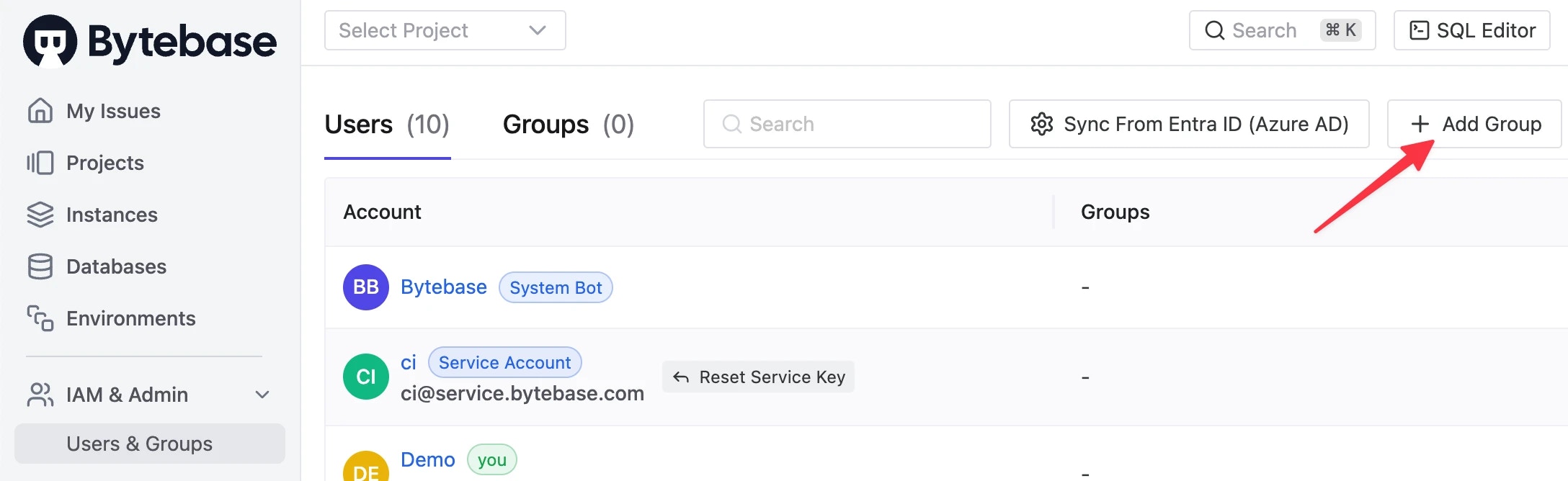
Group member as well as Group owner.
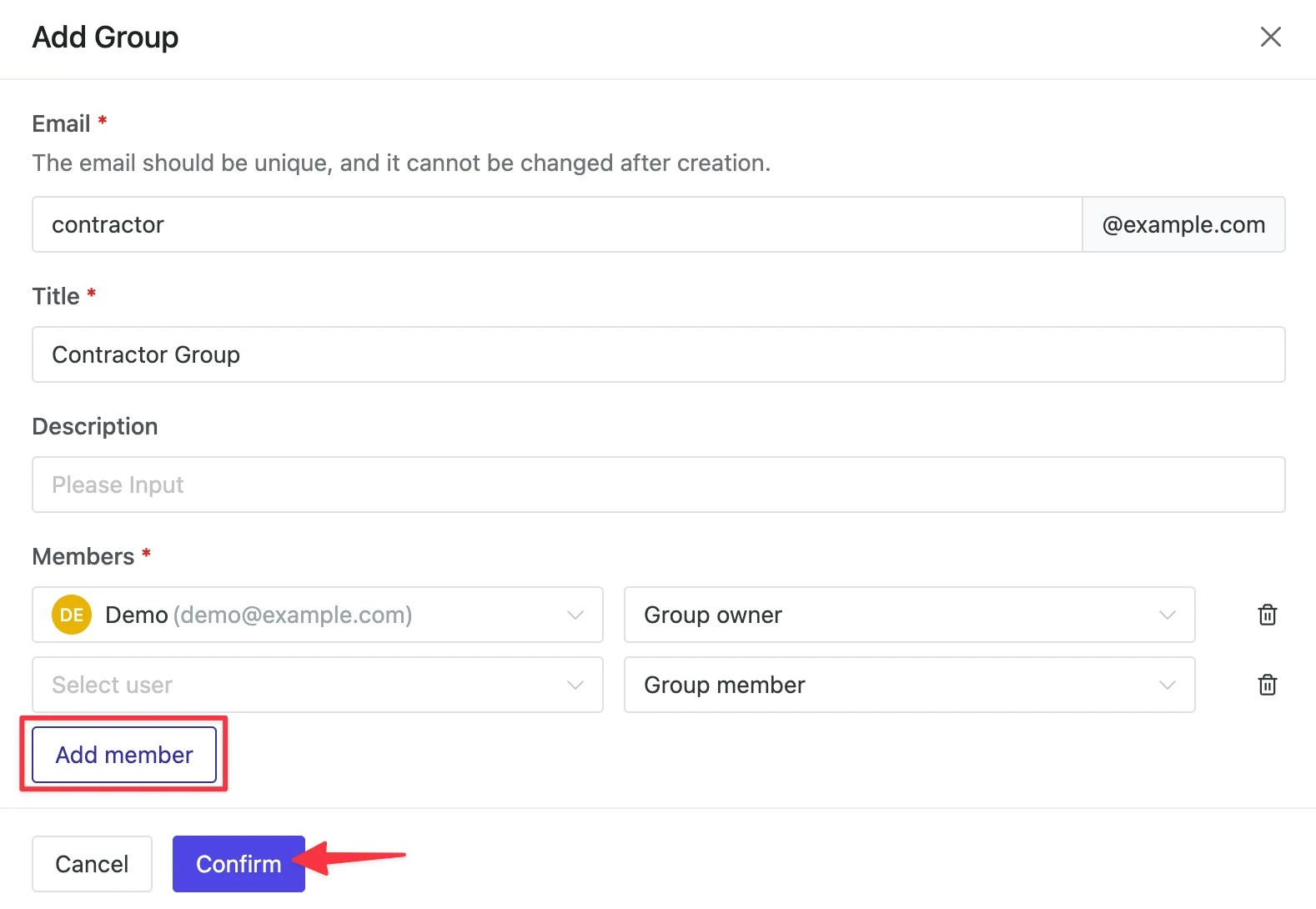
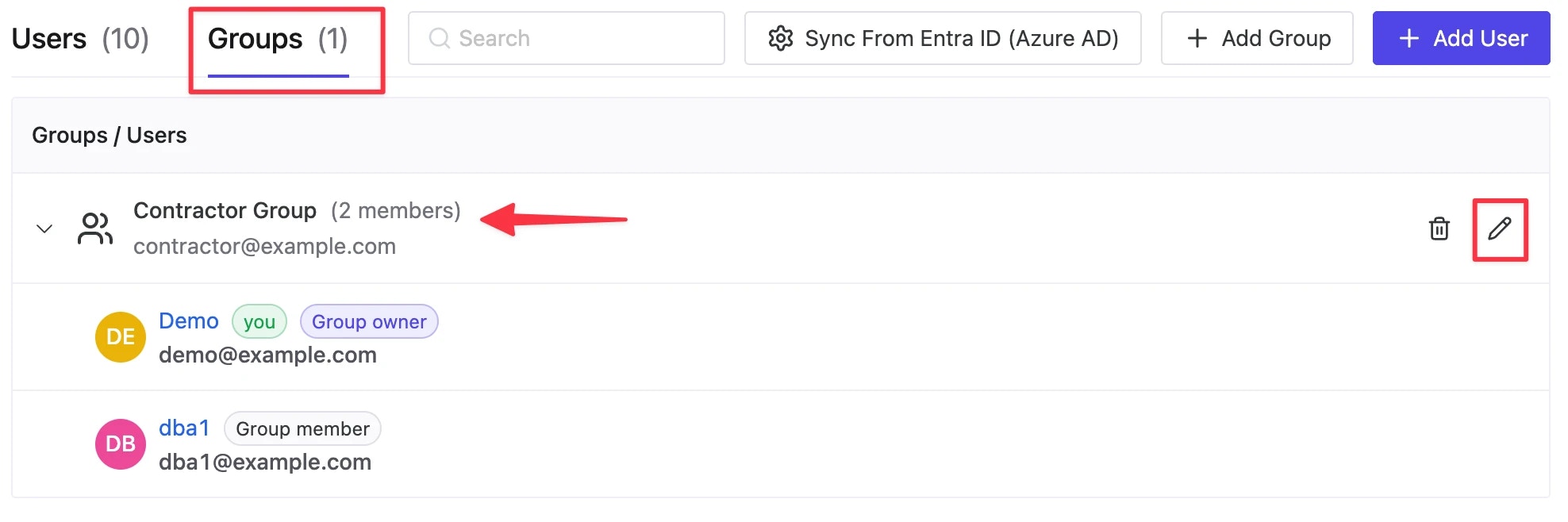
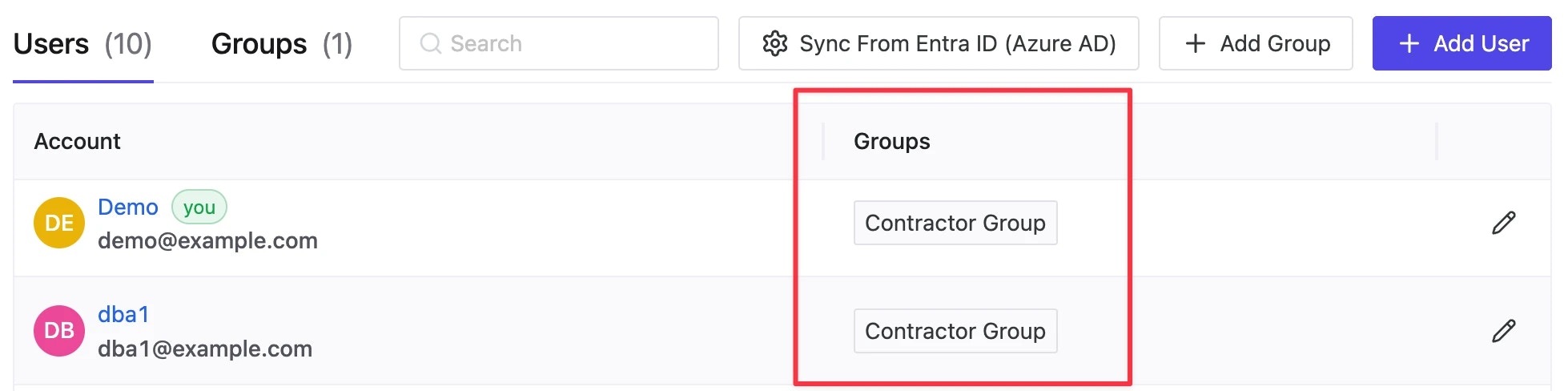
Contractor Group, you can view or edit it under Groups page.
Grant roles to group
Now that we’ve created thisContractor Group, we can assign corresponding permissions to these groups within any project.
Select Project from top left. Enter Basic Project.
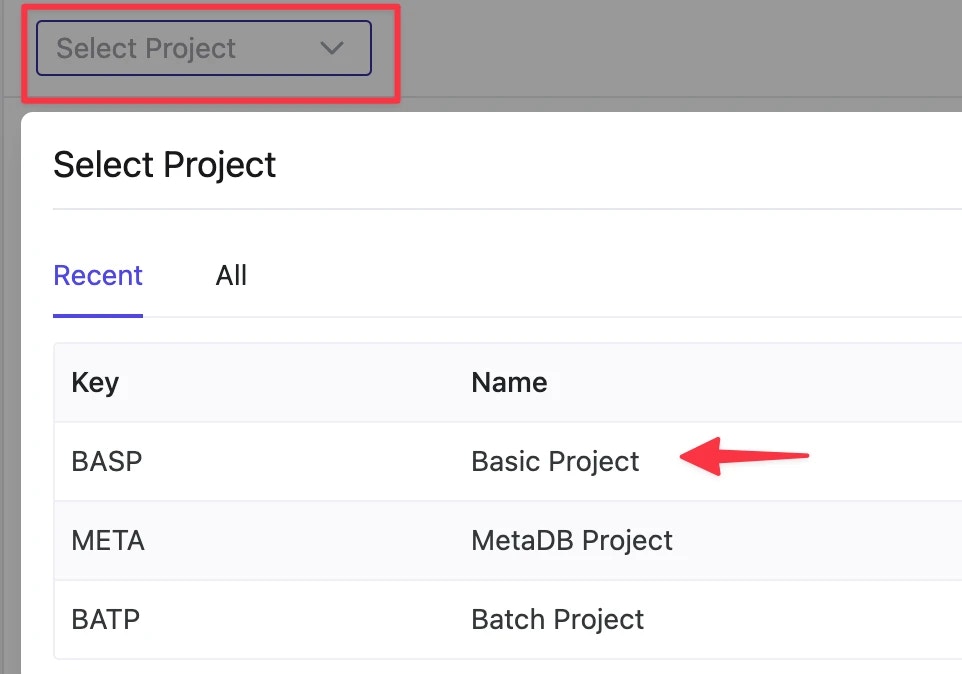
Contractor Group is not among them before we Grant Access to the group from top right.
Choose Groups and Select our group in Grant Access detail page. Assign role and Confirm.
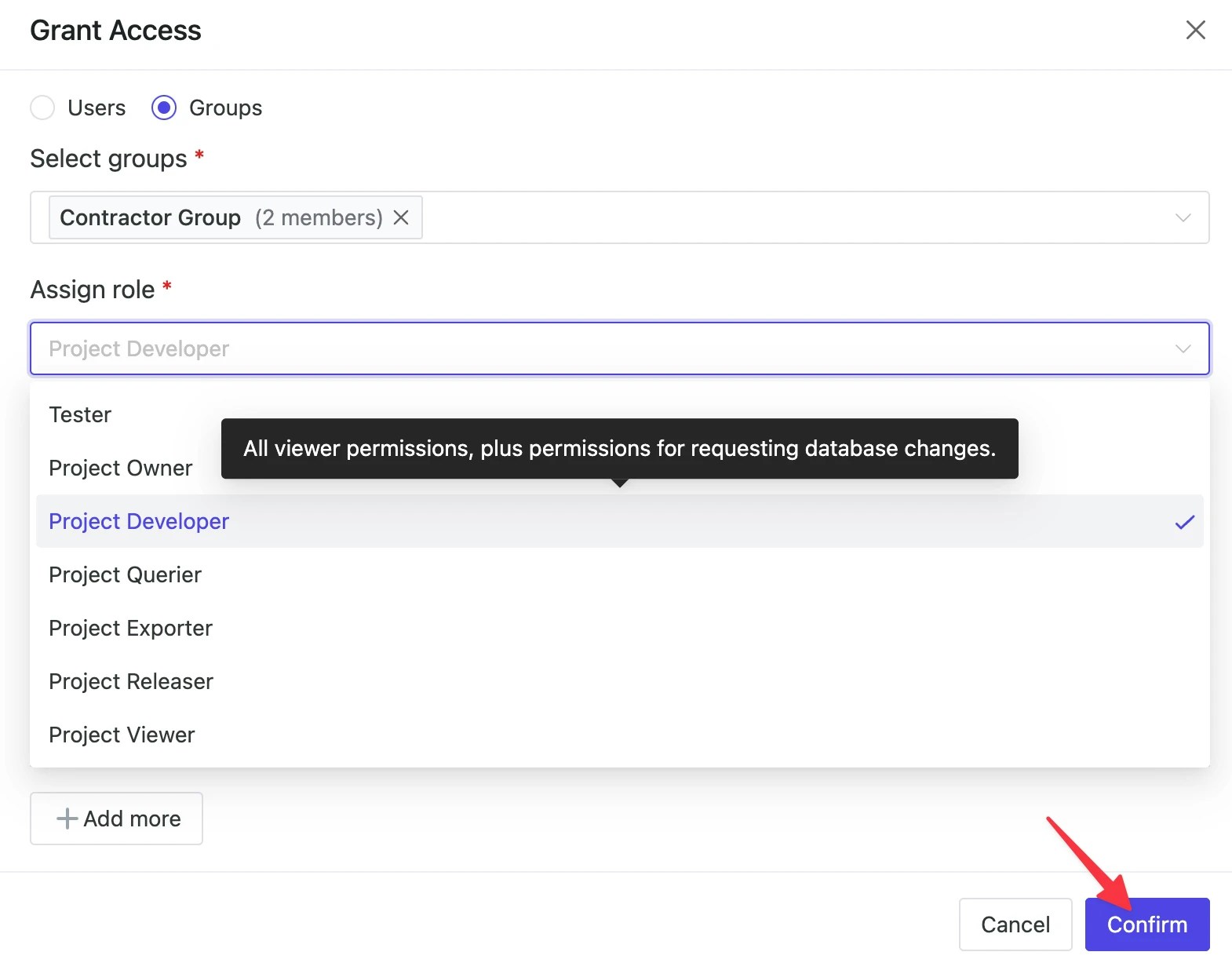
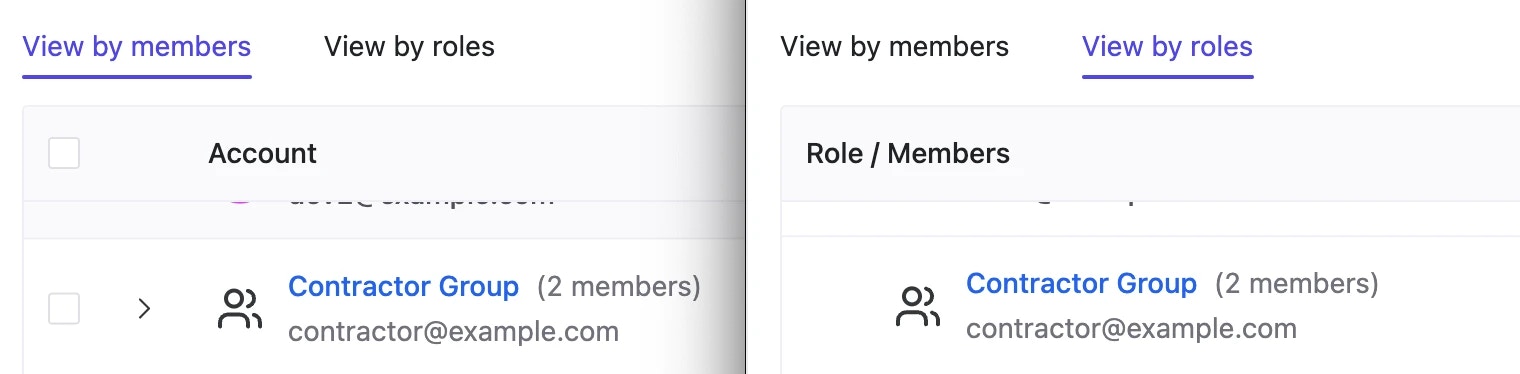
Contractor Group under View by members page as well as View by roles page within Members section of Basic Project.